✨HavenWick✨
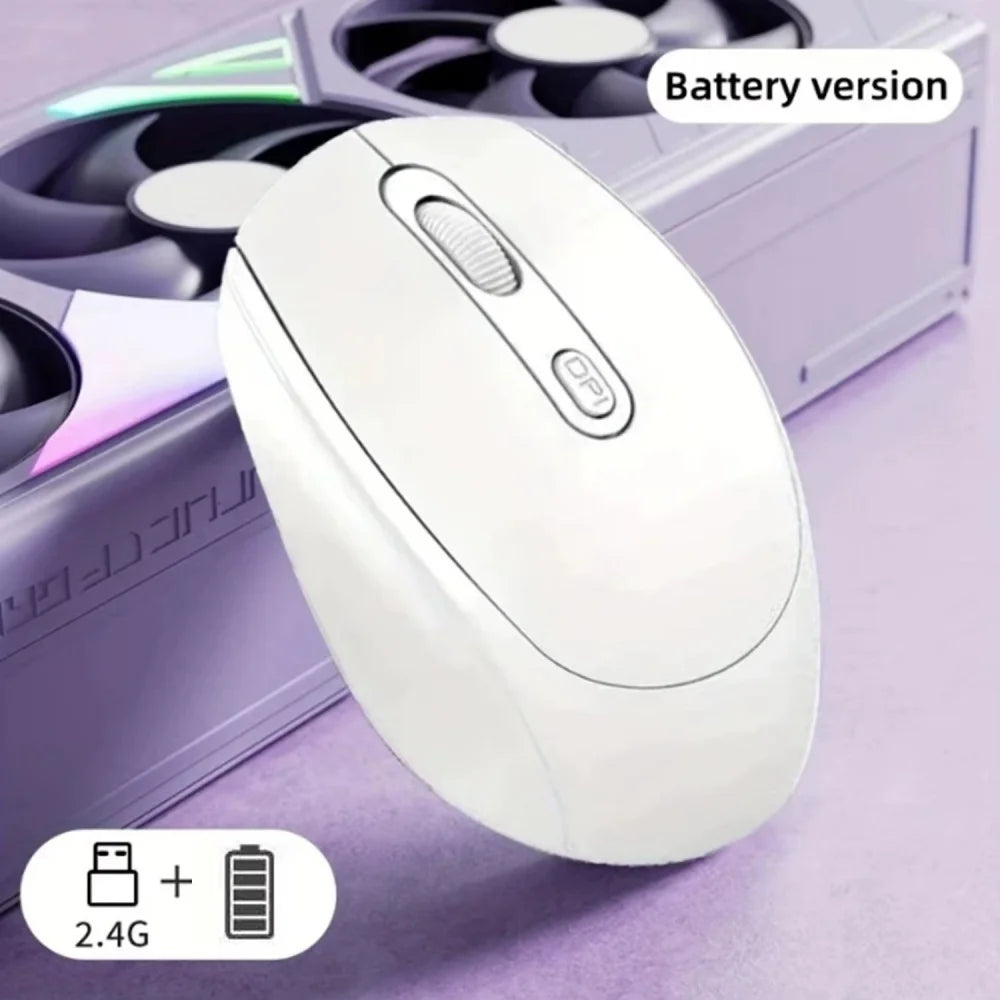
Ergonomic Wireless Mouse, Bluetooth-compatible with 2.4GHz Dual Mode Computer Mouse, with USB receiver, For Laptop PC Notebook
Ergonomic Wireless Mouse, Bluetooth-compatible with 2.4GHz Dual Mode Computer Mouse, with USB receiver, For Laptop PC Notebook
Verfügbarkeit für Abholungen konnte nicht geladen werden
SPECIFICATIONS
Applicable Equipment: PC,Laptop,Tablet PC,Others
Applicable Hand Type: Right Hand
Brand Name: NONE
Choice: yes
Compatible Systems: Others
Connection Interface Types: USB interface
Feture1: Mouse gamer
Feture10: Professional Wireless Gaming Mouse
Feture2: Wireless mouse
Feture3: Gaming mouse
Feture4: Wireless gamer mouse
Feture5: Mouse wirelesss
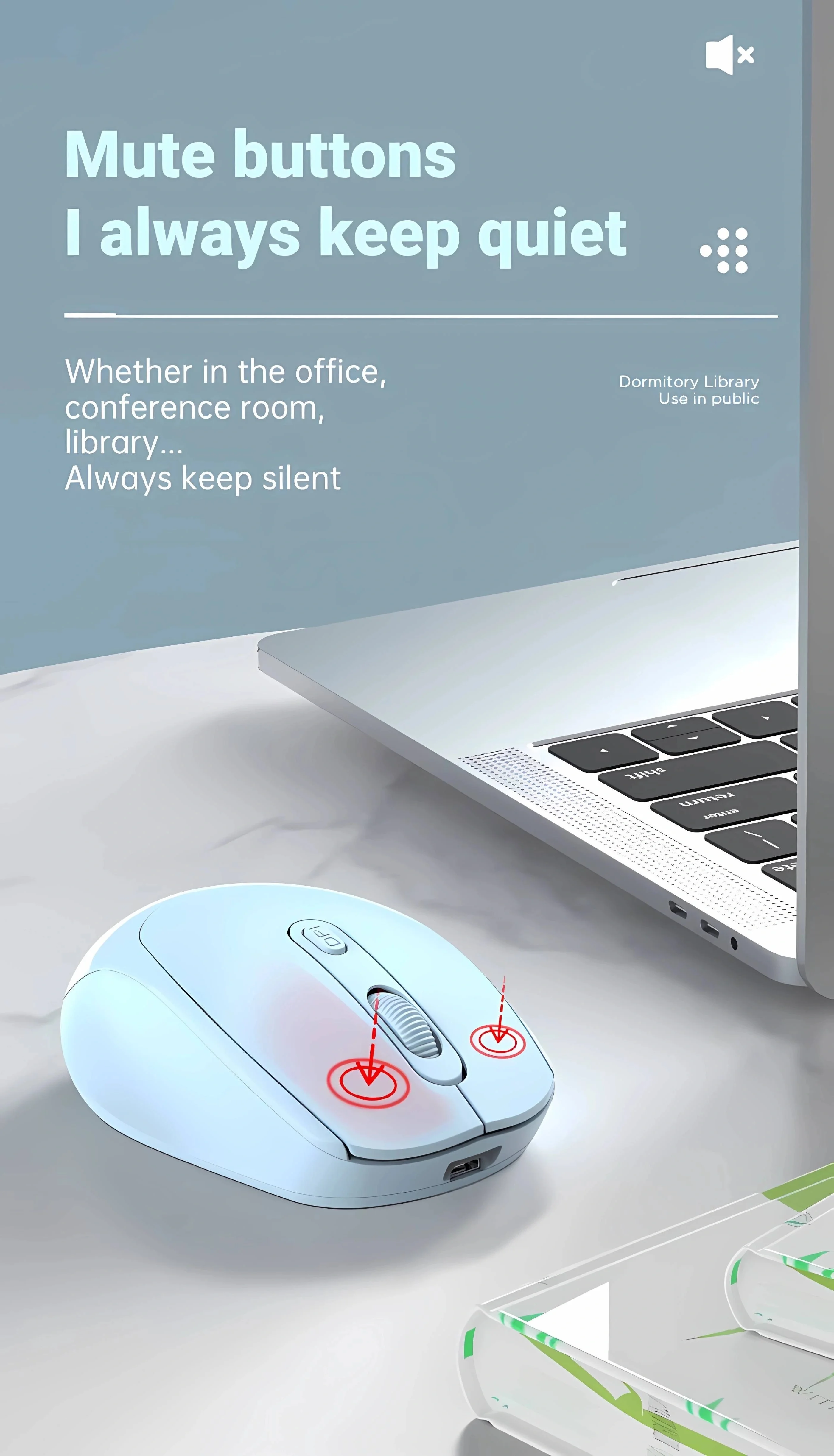
Feture6: 2.4G Silent Portable Ergonomic Silent Mouse
Feture7: Wireless Mouse Mute 2.4G Mouse
Feture8: Wireless Optical Mouse
Feture9: computer gaming mouse
Lighting Effect: Single-color Backlight
Mouse Switch Brand: Others
Mouse Type: 2.4G Wireless
Origin: Mainland China
Support for driver software: No
mouse material: ABS
Description
Technical Parameters:
◎2.4G Wireless Transmission Technology,10M wireless receiving distance.
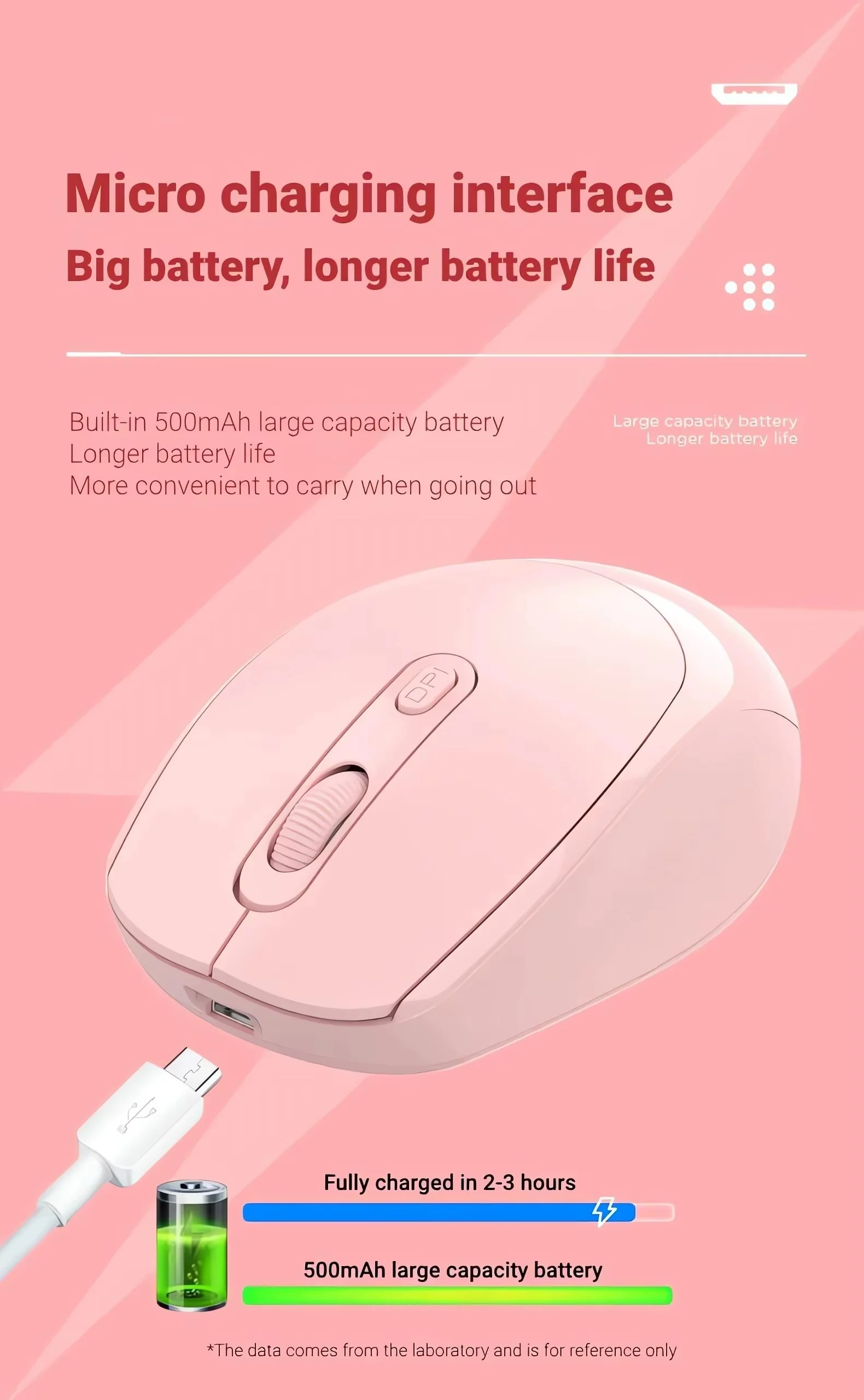
◎ uilt-in 500 mAh lithium battery
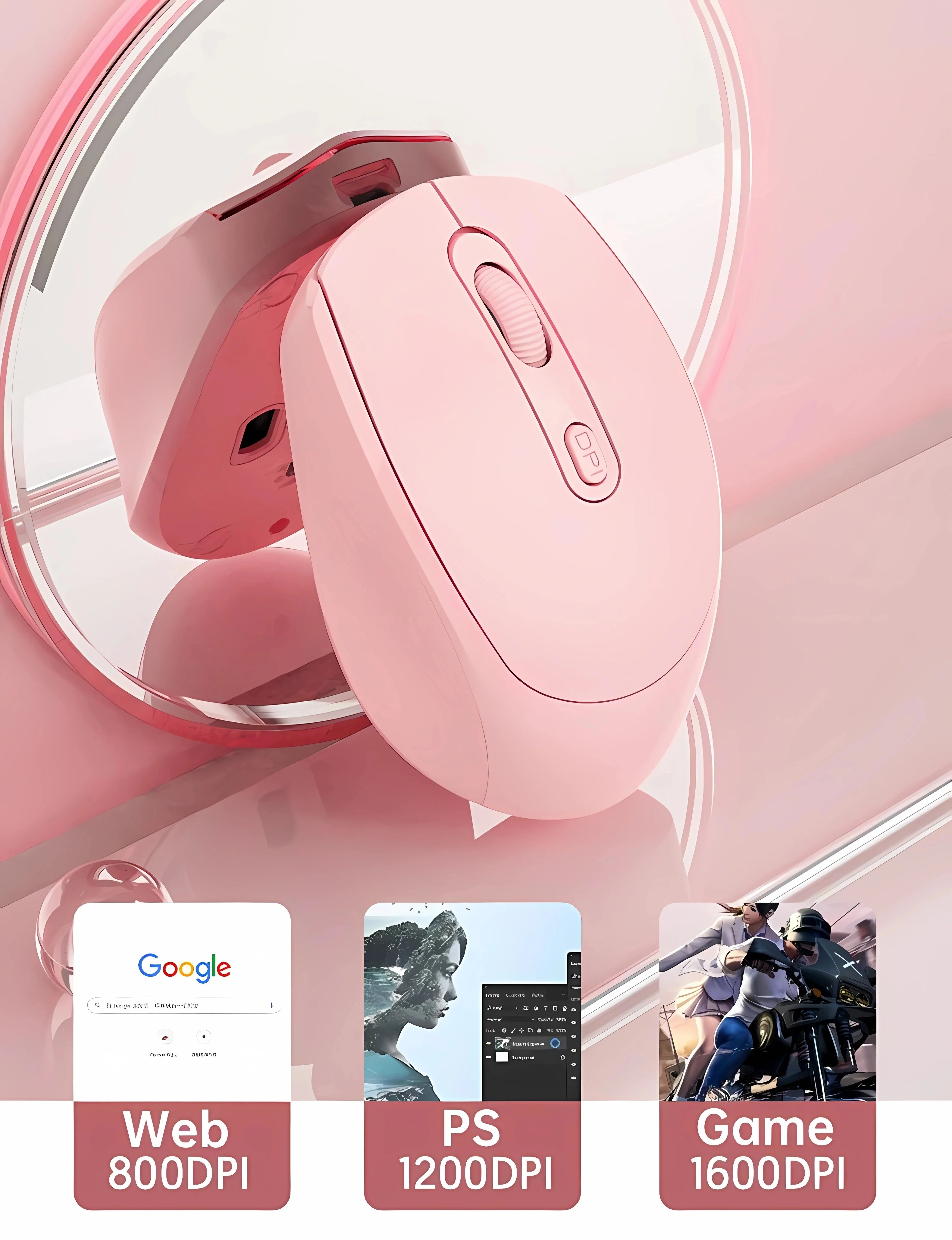
◎ Third gear DPI adjustment design
◎ quiet and elegant office wireless mouse
◎ High resolution: Max 1600 DPI high resolution for fluid motion
◎ Fashion ergonomic design: ergonomic design, comfortable grip, stylish appearance, easy to carr
Installation and use steps:
1. Remove the wireless mouse from the box.
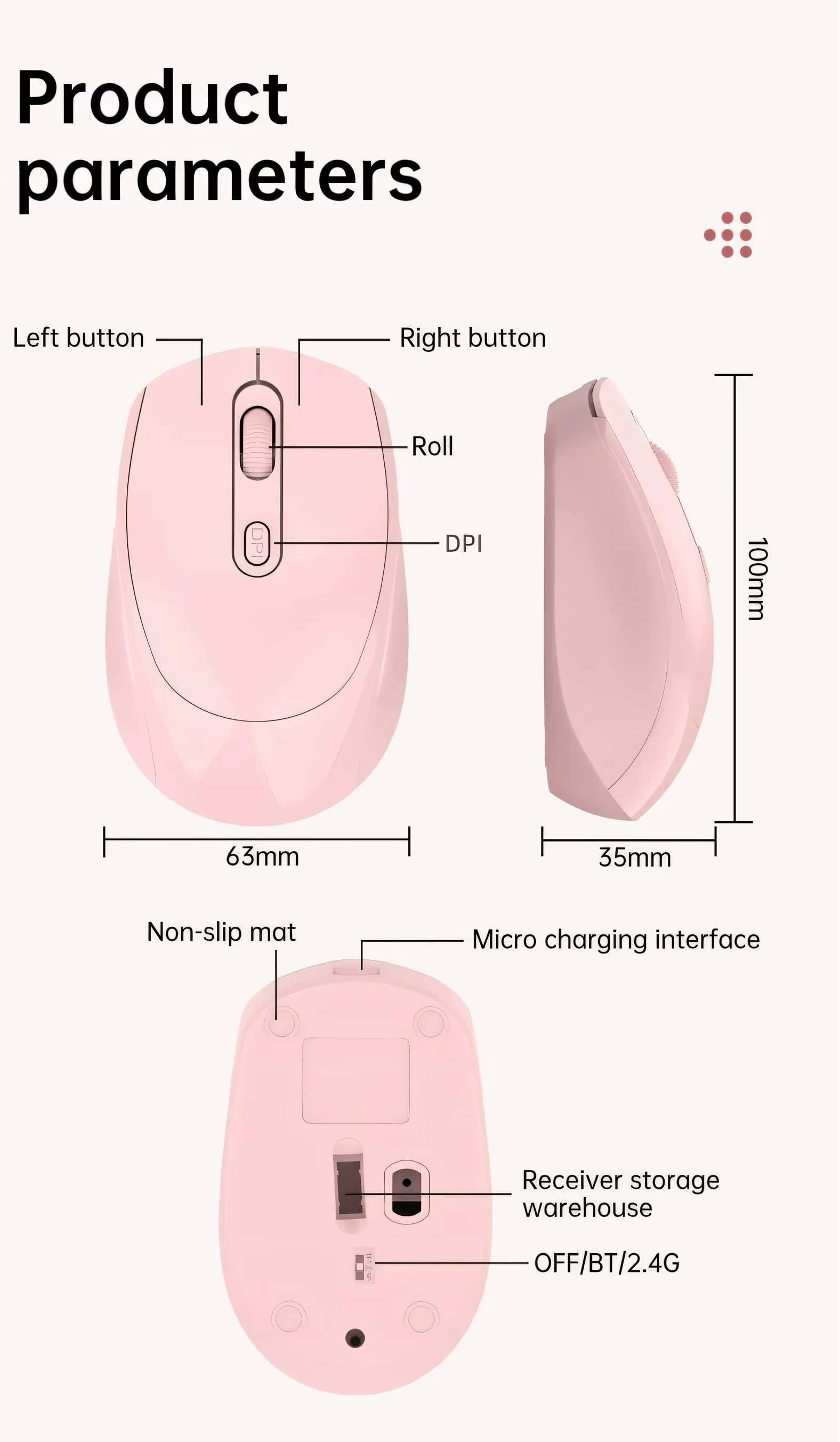
2. Remove the mini receiver installed in the bottom of the mouse, insert the computer's USB interface,free code, plug and play.
3. This product is a built-in lithium battery. You only need to set the bottom switch to the ON position. A charging cable is included in the package. When the cursor movement delay occurs, please insert the charging cable into the front end interface of the mouse to charge. Please try not to use it while charging!