✨HavenWick✨
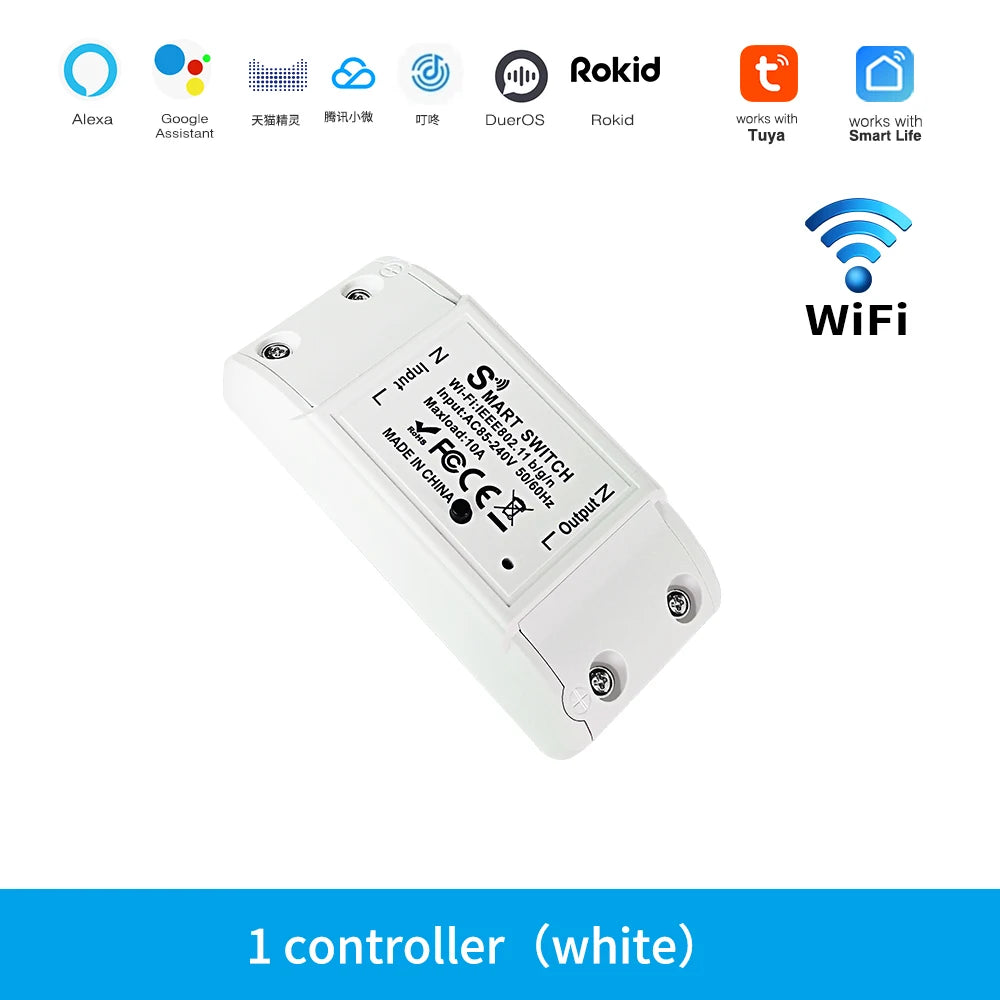
WiFi Switch DIY MINI Smart Home Switch Relay Module Works with Tuya Smart Life APP Wireless Voice Remote Control Timer Switch
WiFi Switch DIY MINI Smart Home Switch Relay Module Works with Tuya Smart Life APP Wireless Voice Remote Control Timer Switch
No se pudo cargar la disponibilidad de retiro
SPECIFICATIONS
Brand Name: Szaoju
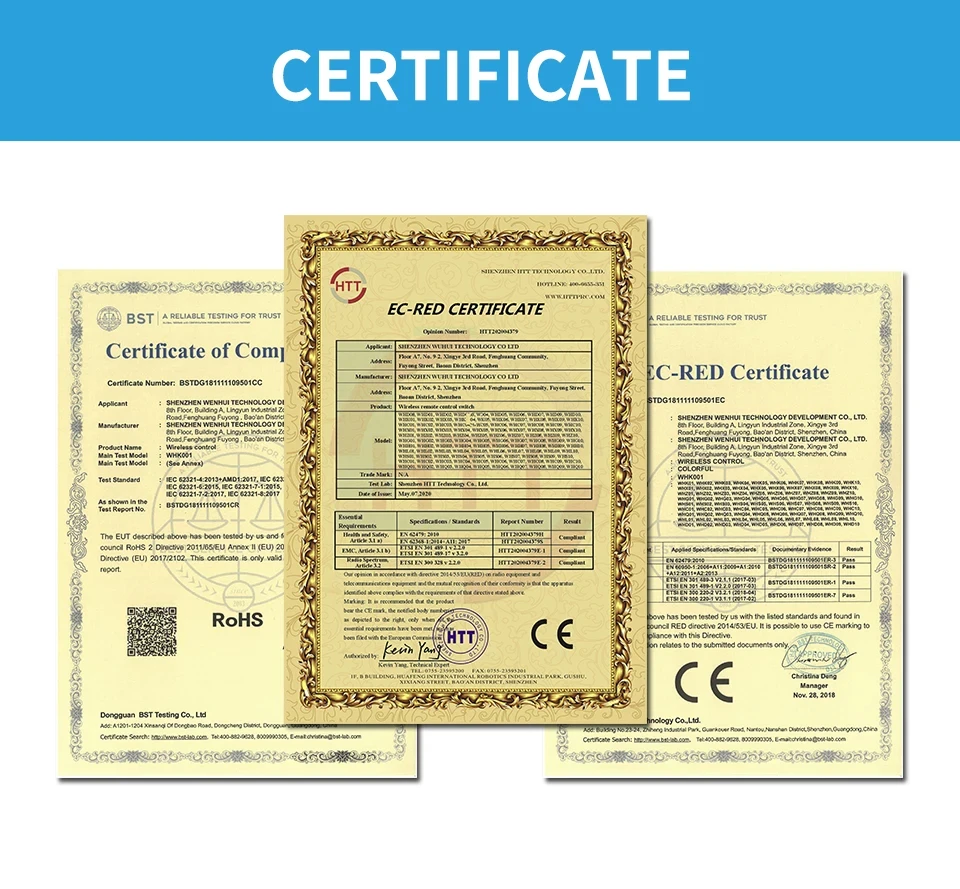
Certification: CE
Choice: yes
EU LVD Voltage: High voltage: Above 50Vac or 75Vdc
High-concerned chemical: None
Origin: Mainland China
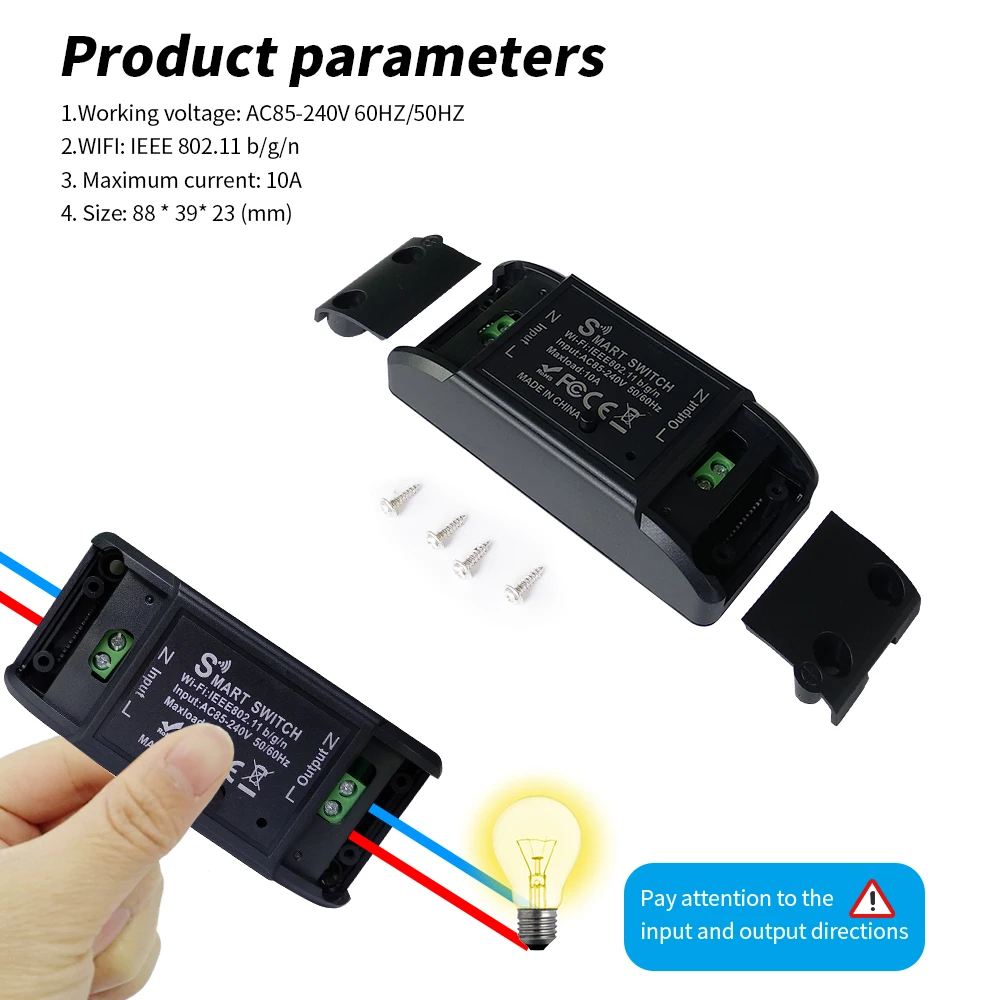
Voltage: 110-240V
WIFI CONTROLLER
Control your device anywhere
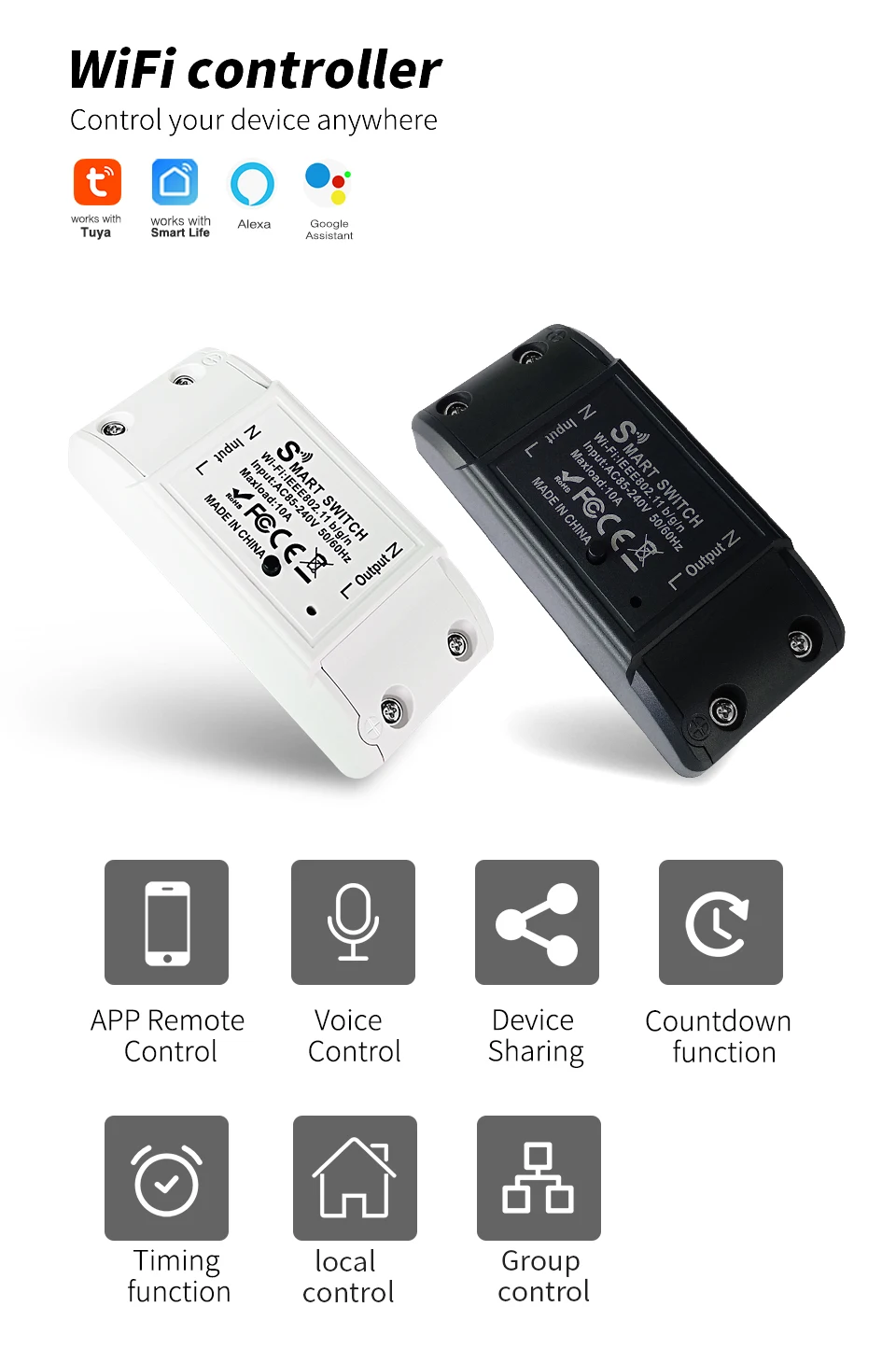
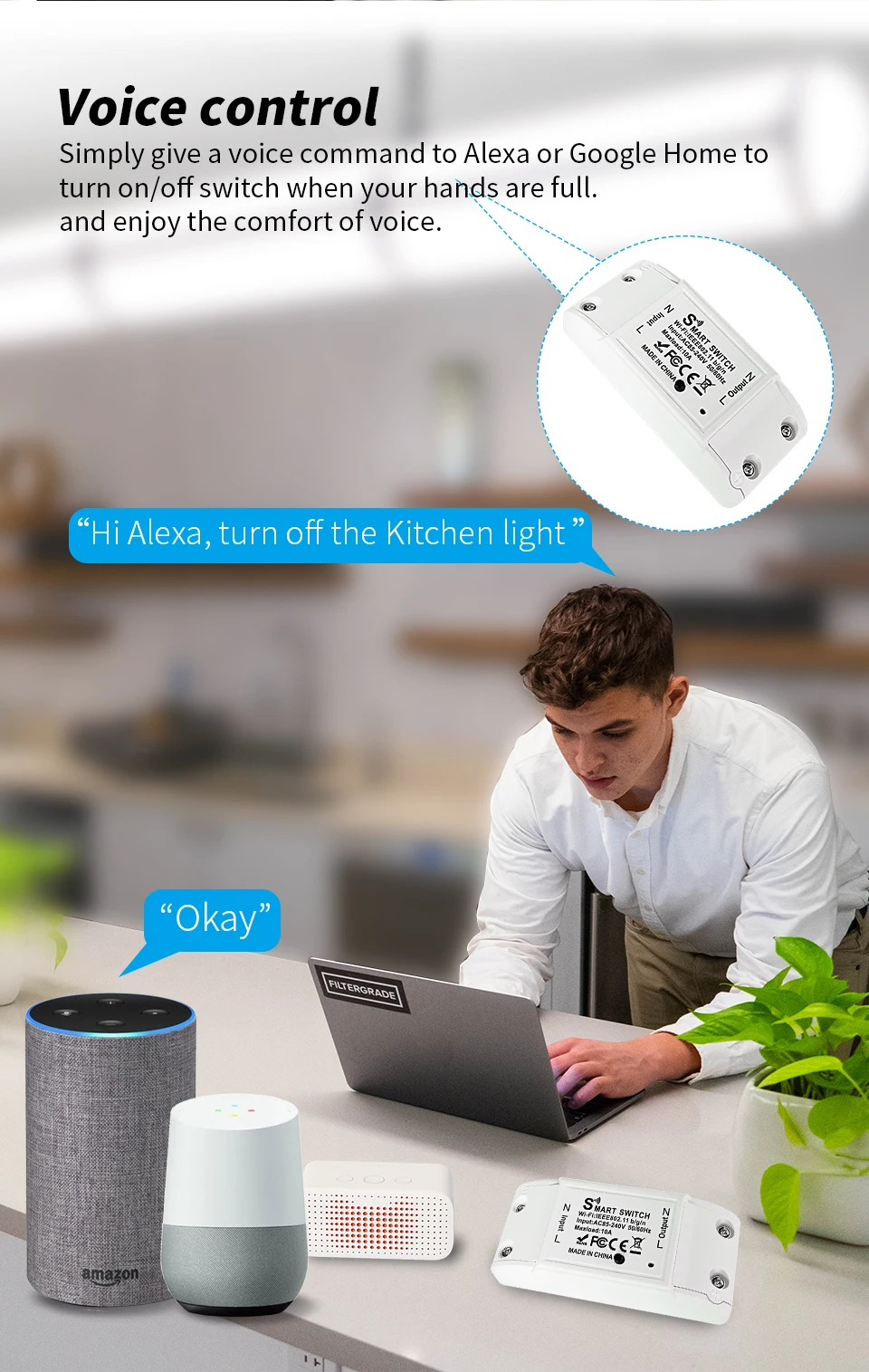
Features 1 :Voice control
Simply give a voice command to Alexa or Google Home to turn on/off switch when your hands are full,and enjoy the comfort of voice
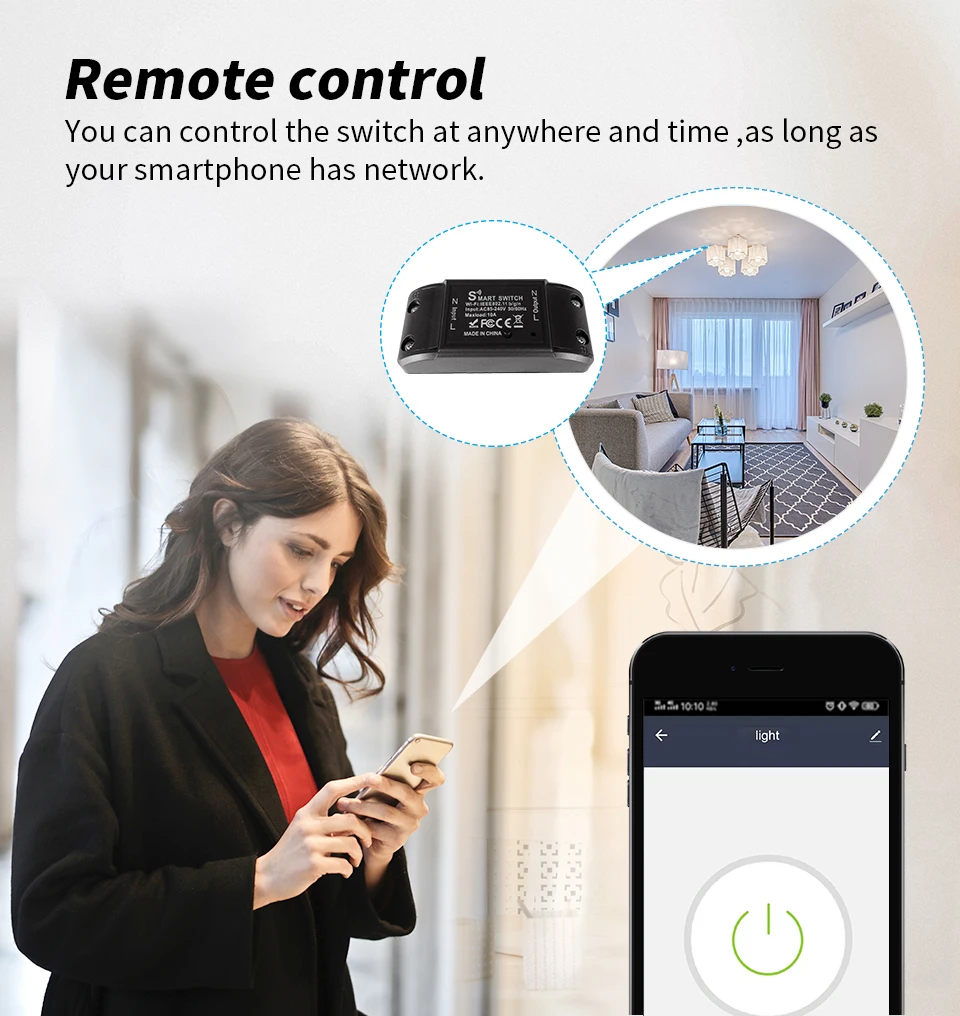
Features 2:Works with Smart life app /Tuya app Smart APP Remote control
You can control the switch at anywhere and time,as long as your smartphone has network.
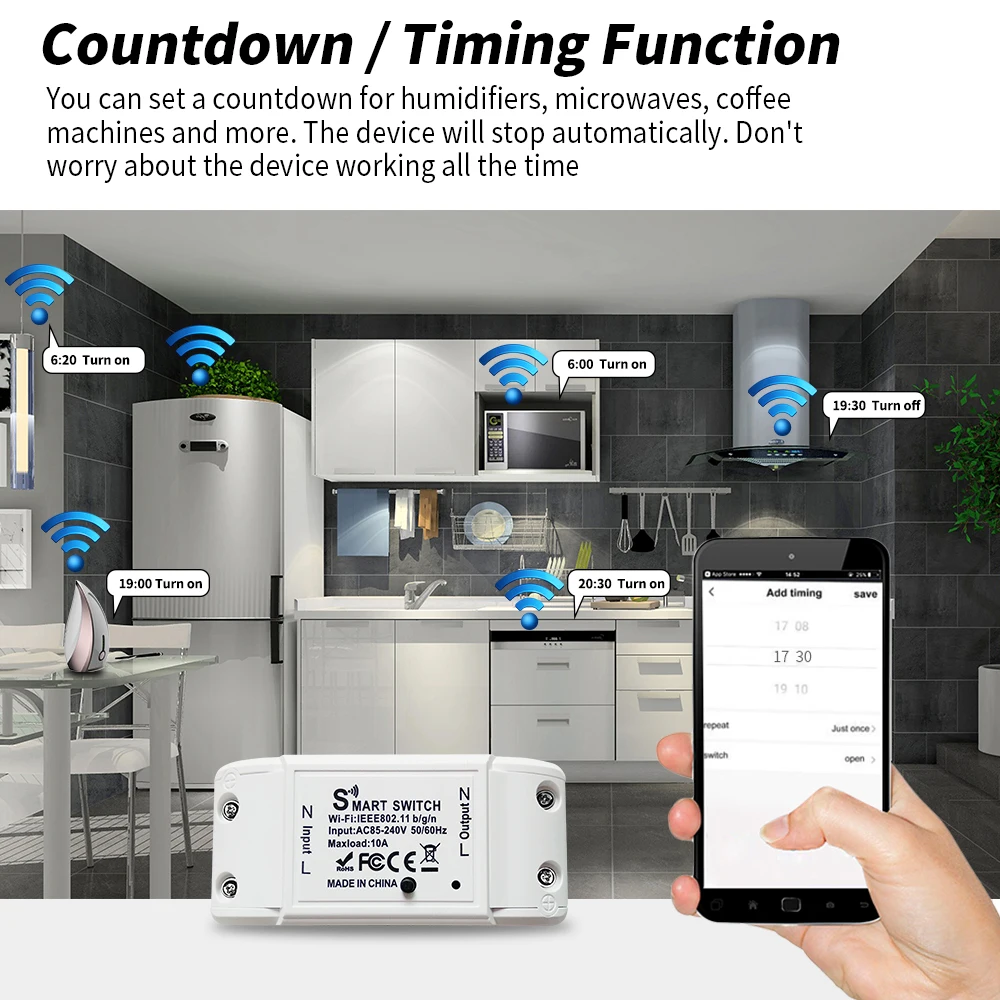
Features 3 :Countdown/Timing
Features 3 :Countdown/Timing
It is very good for you to set up a time schedule to turn on/off your devices automatically by the app. Helping you cut down electricity bills.
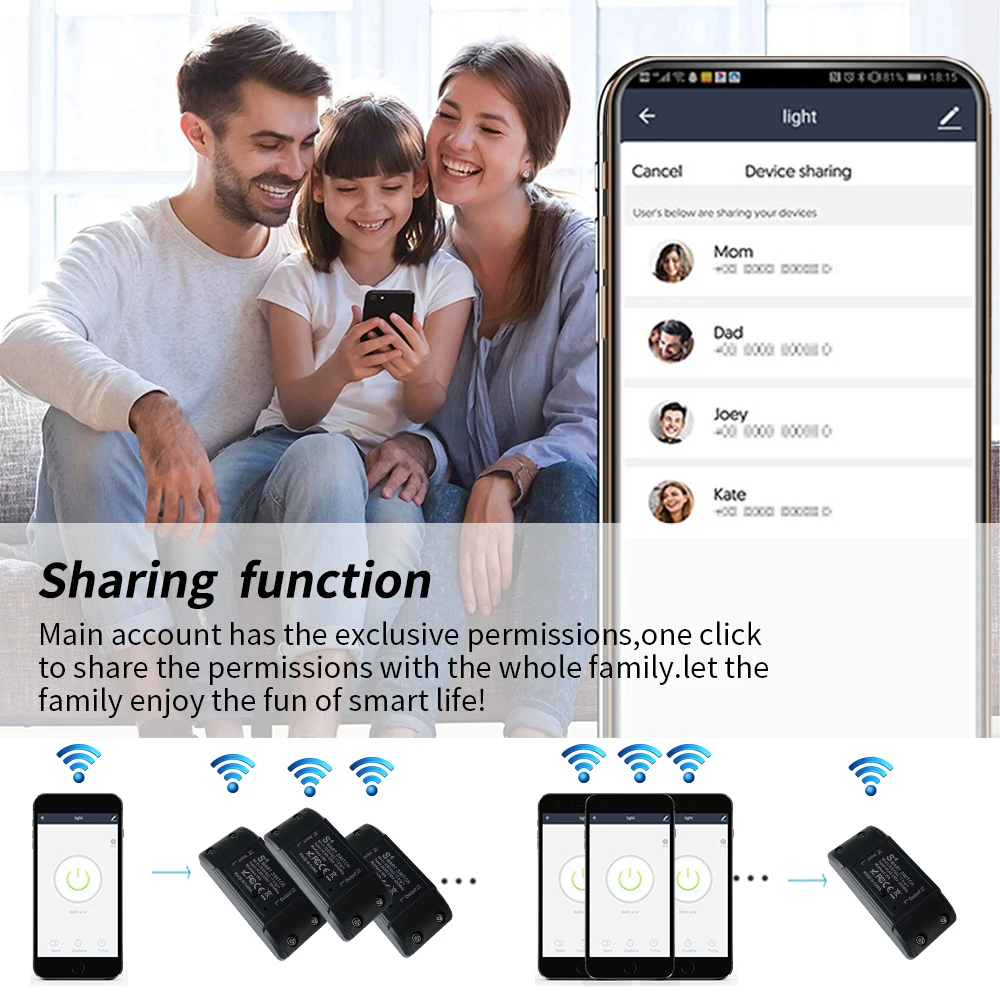
Features 4 :Sharing&Group Control
One-tap to share the smart switch with your family member by the app to eliminate extra setup processes.Main account has the exclusive permissions,one click to share eht permissions with the whole family.let the family enjoy the fun of smart life!
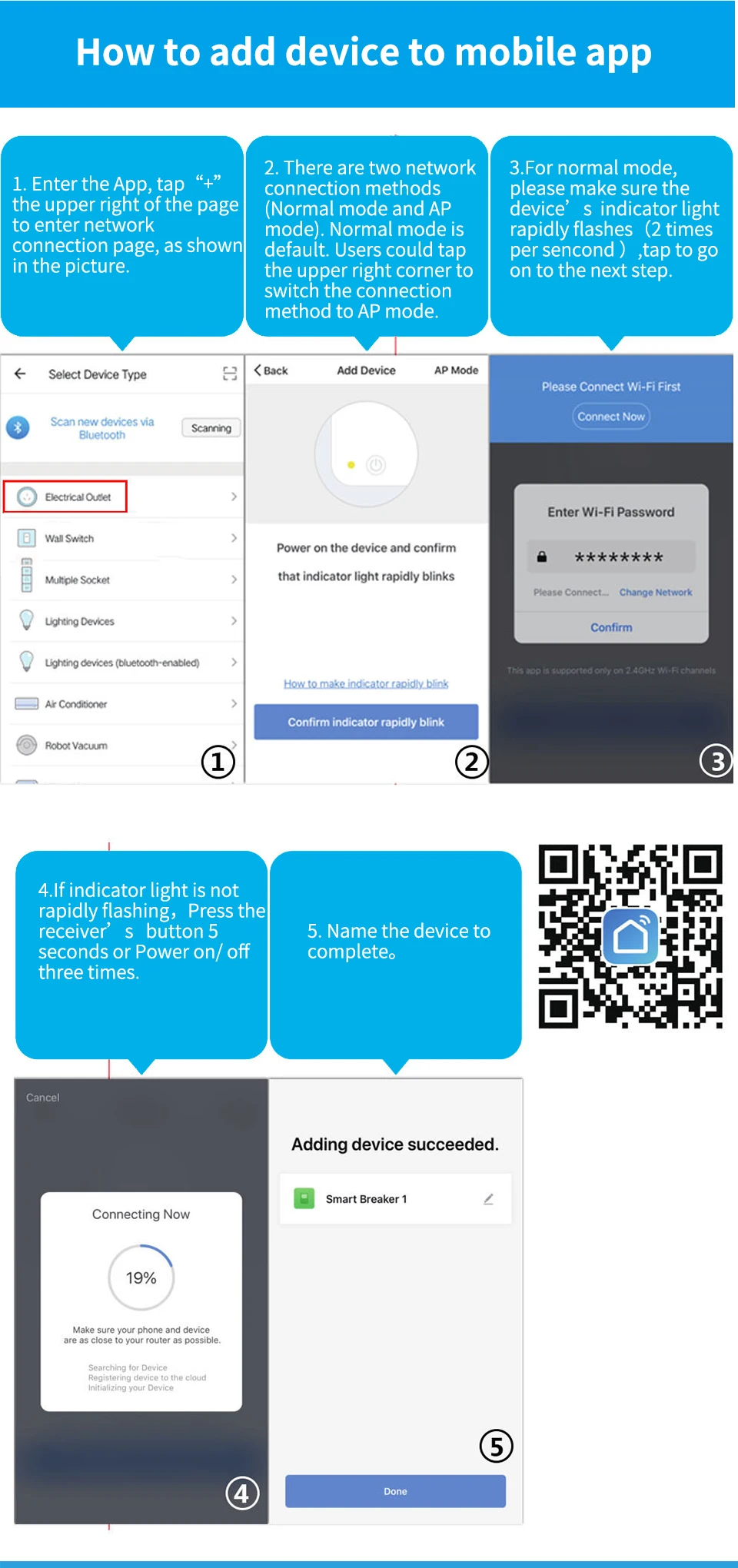
How to add device to mobile app
1.Scan the QR-code of the manual or Search ' Smart Life app ' to download and install the device's APP
2.After the wiring is completed, turn on the power and operate according to the status of the smart switch indicator:
3.If the red light of the smart switch flashes continuously at this time, it indicates that the smart switch has entered the state of waiting for connection to WiFi; then open the APP and follow the instructions to connect to WiFi.
4. If the indicator light of the smart switch is not flashing red light, please press the button of the smart switch and keep it for more than 5 seconds until the red light flashes continuously, then open the APP and connect to the WiFi according to the manual.