✨HavenWick✨
PCIe X1 7 Port USB 3.0 Card, High Speed USB-A Expansion Adapter No External Power Cable Required
PCIe X1 7 Port USB 3.0 Card, High Speed USB-A Expansion Adapter No External Power Cable Required
Couldn't load pickup availability
SPECIFICATIONS
Brand Name: NONE
Choice: yes
Function: 3-8 in 1
High-concerned chemical: None
Installation: Internal
Interface: USB
Interface Type: USB
Model Number: PCIe x1 to 7 Port USB
Origin: Mainland China
Package: Yes
Type: Add On Cards
PCIe x1 to 7-Port USB 3.0 Expansion Card
USB 3.2 Gen 1 5Gbps USB-A Adapter for Desktop PC
Expand Your Desktop USB Connectivity
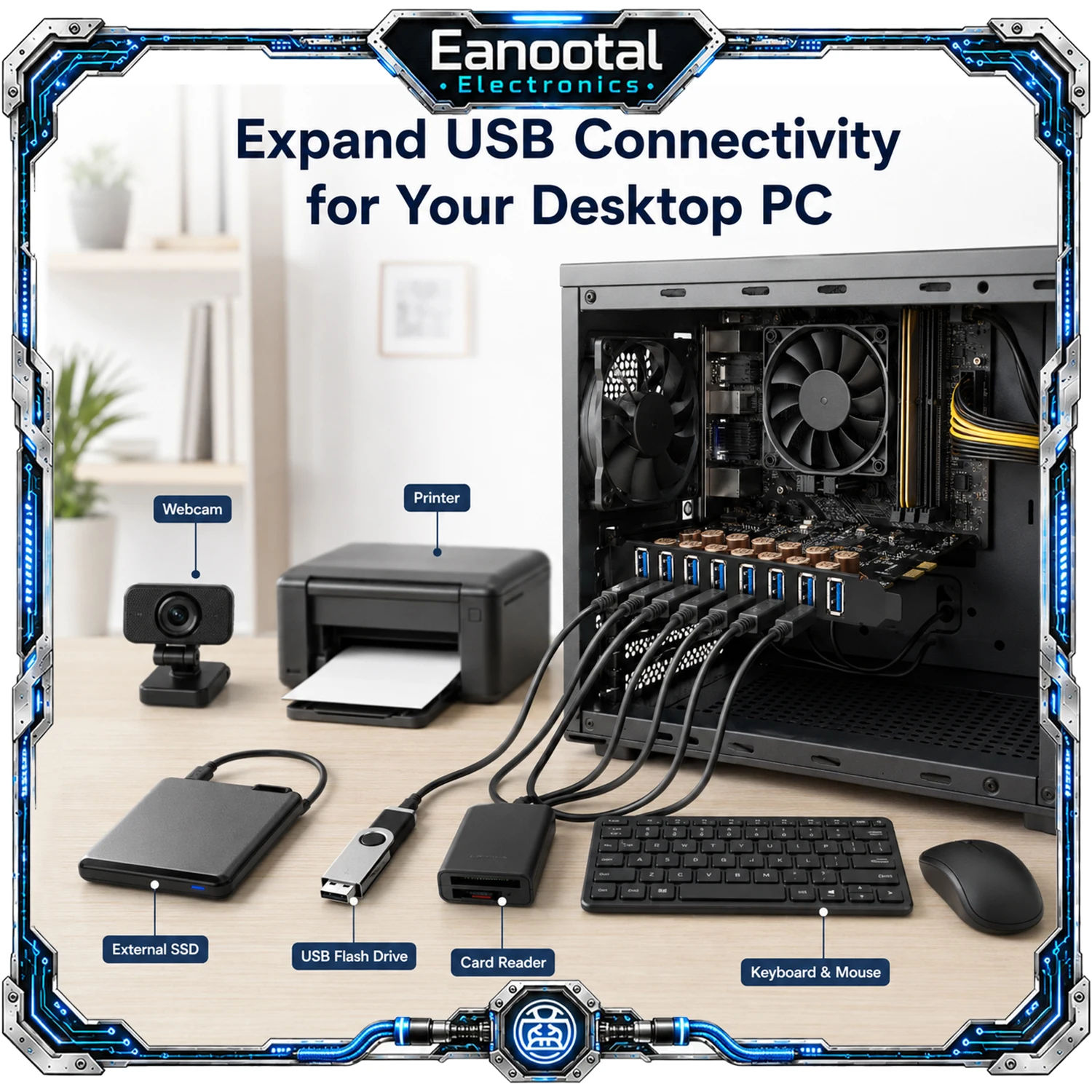
This PCIe x1 to 7-port USB expansion card adds seven USB-A ports to your desktop computer through one available PCIe slot. It is a practical solution for PCs with limited USB ports, helping you connect more peripherals such as keyboards, mice, USB flash drives, card readers, printers, webcams, external SSDs, USB audio devices, and other USB accessories.
Key Features
• 7 USB-A Expansion Ports
Add 7 USB-A ports to your desktop PC from one PCIe slot. Ideal for home office, workstation, industrial PC, server, and multi-device desktop setups.
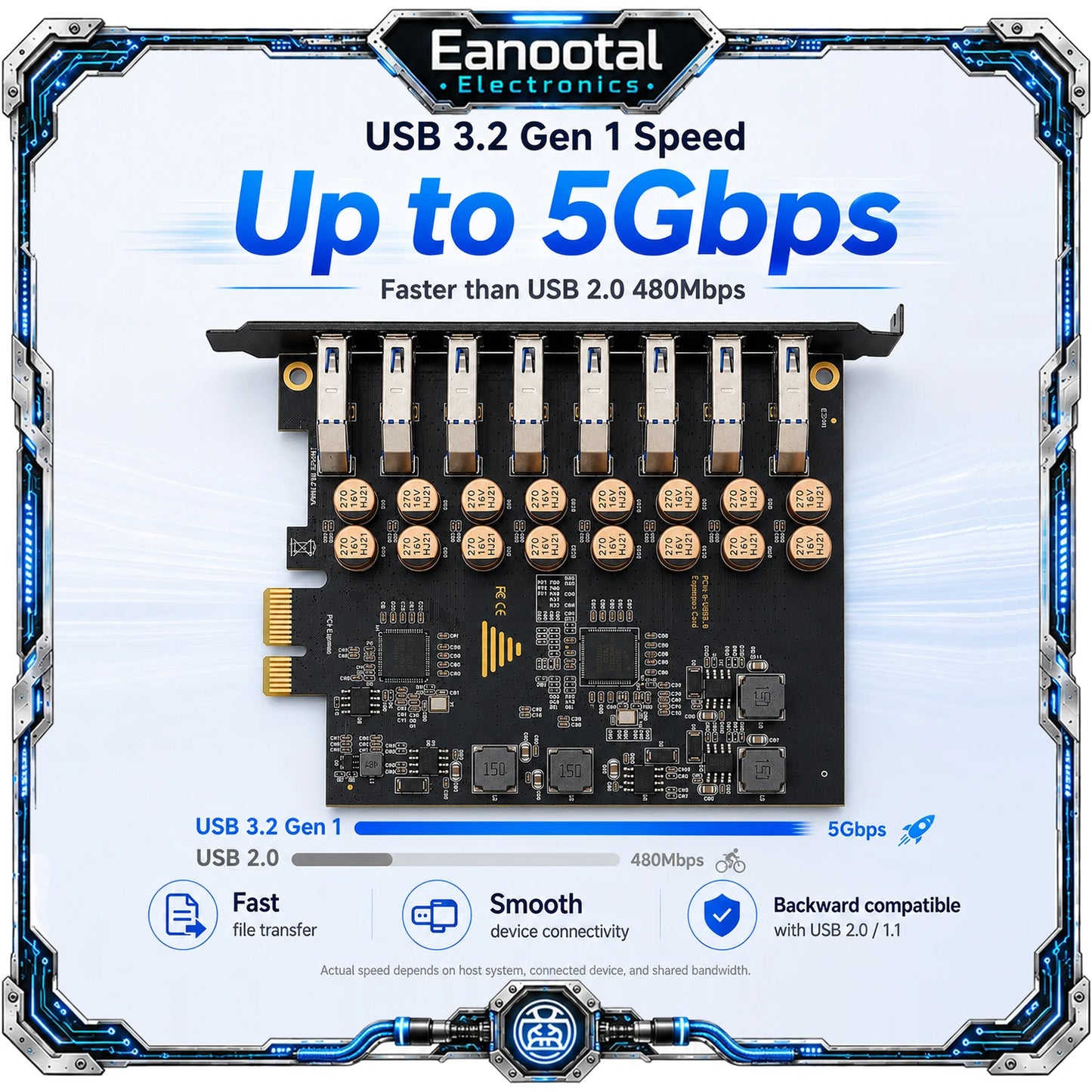
• USB 3.2 Gen 1 Speed Up to 5Gbps
Supports USB 3.2 Gen 1 data transfer speeds up to 5Gbps, suitable for high-speed USB storage devices and daily peripheral connections.
• Backward Compatible
Compatible with USB 2.0, USB 1.1, and USB 1.0 devices, allowing you to continue using older USB peripherals.
• PCIe x1 Interface
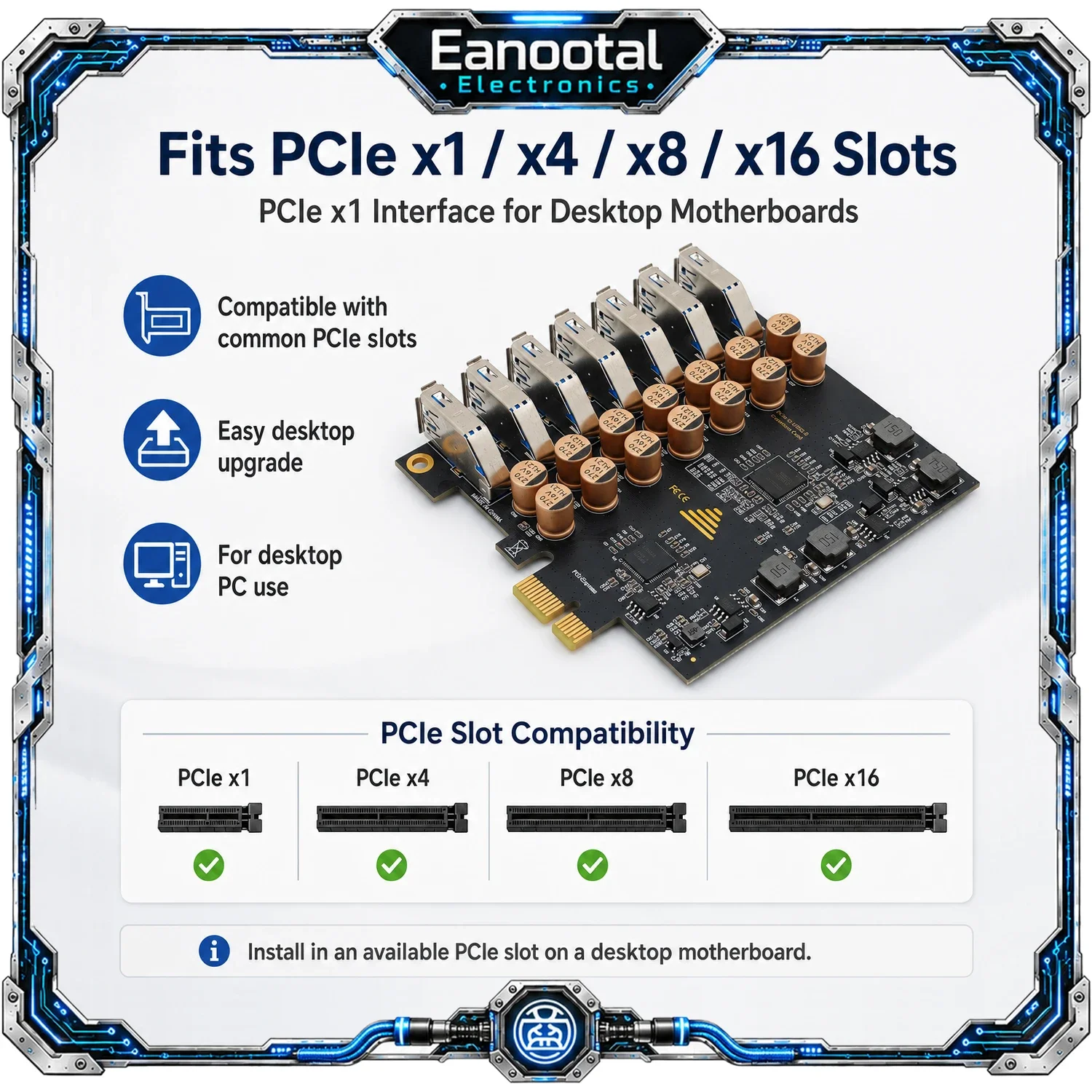
The PCIe x1 connector can be installed into a desktop motherboard PCIe x1, x4, x8, or x16 slot.
• No External SATA or 4-Pin Power Cable Required
Built-in board power design allows the card to operate without connecting an additional SATA power cable or 4-pin power cable.
• 10A Total Board Power Design
Designed with a built-in high-power DC-DC power solution for stable board-level power distribution.
Important: 10A refers to the total board power design capability, not 10A output per USB port.
• Enhanced Stability Design
Built with 10 solid capacitors to help support stable operation during multi-device use.
• Independent Resettable Fuse Protection
Each USB port is designed with resettable fuse protection to help protect connected USB devices.
• Supports USB Hot Swapping
USB devices can be connected or disconnected while the computer is running.
Product Specifications
Product Type: PCIe x1 to 7-Port USB Expansion Card
USB Ports: 7 × USB-A Ports
USB Standard: USB 3.2 Gen 1 / USB 3.0
Maximum Theoretical Transfer Rate: Up to 5Gbps
Host Interface: PCIe x1
PCIe Slot Compatibility: PCIe x1 / x4 / x8 / x16
Controller: D72020 + D720210
Power Design: Built-In 10A Board Power Design
External Power Input: Not Required
Capacitors: 10 Solid Capacitors
Port Protection: Independent Resettable Fuse Protection for Each USB Port
Operating Temperature: -40°C to 50°C
Supported Systems: Windows XP / Windows 7 / Windows 8 / Windows 10 / Windows 11 / Linux
Function: USB Hot Swapping Supported
Compatibility Notes
Desktop PC Only
This product is designed for desktop computers with an available PCIe slot. It is not designed for laptops.Not a Graphics Adapter
This card does not provide HDMI, DisplayPort, VGA, video output, monitor output, or GPU expansion functions.USB-A Ports Only
This product provides USB-A ports. It does not include USB-C ports.No PD or QC Fast Charging Function
This is a USB data expansion card. It is not designed as a USB-C PD charging card or QC fast charging card.Shared Bandwidth
The maximum 5Gbps speed is the theoretical USB 3.2 Gen 1 transfer rate. Actual speed depends on the motherboard, PCIe slot, operating system, connected device, USB cable quality, and shared bandwidth when multiple devices are used at the same time.High-Power USB Devices
For multiple high-power devices, such as several portable hard drives or power-hungry USB accessories, actual power performance depends on the desktop motherboard PCIe slot power capability and device requirements. Devices requiring high charging current should use their own dedicated power source when necessary.Driver Notice
Most modern operating systems may recognize the card automatically. Some systems or configurations may require driver installation.
Installation Steps
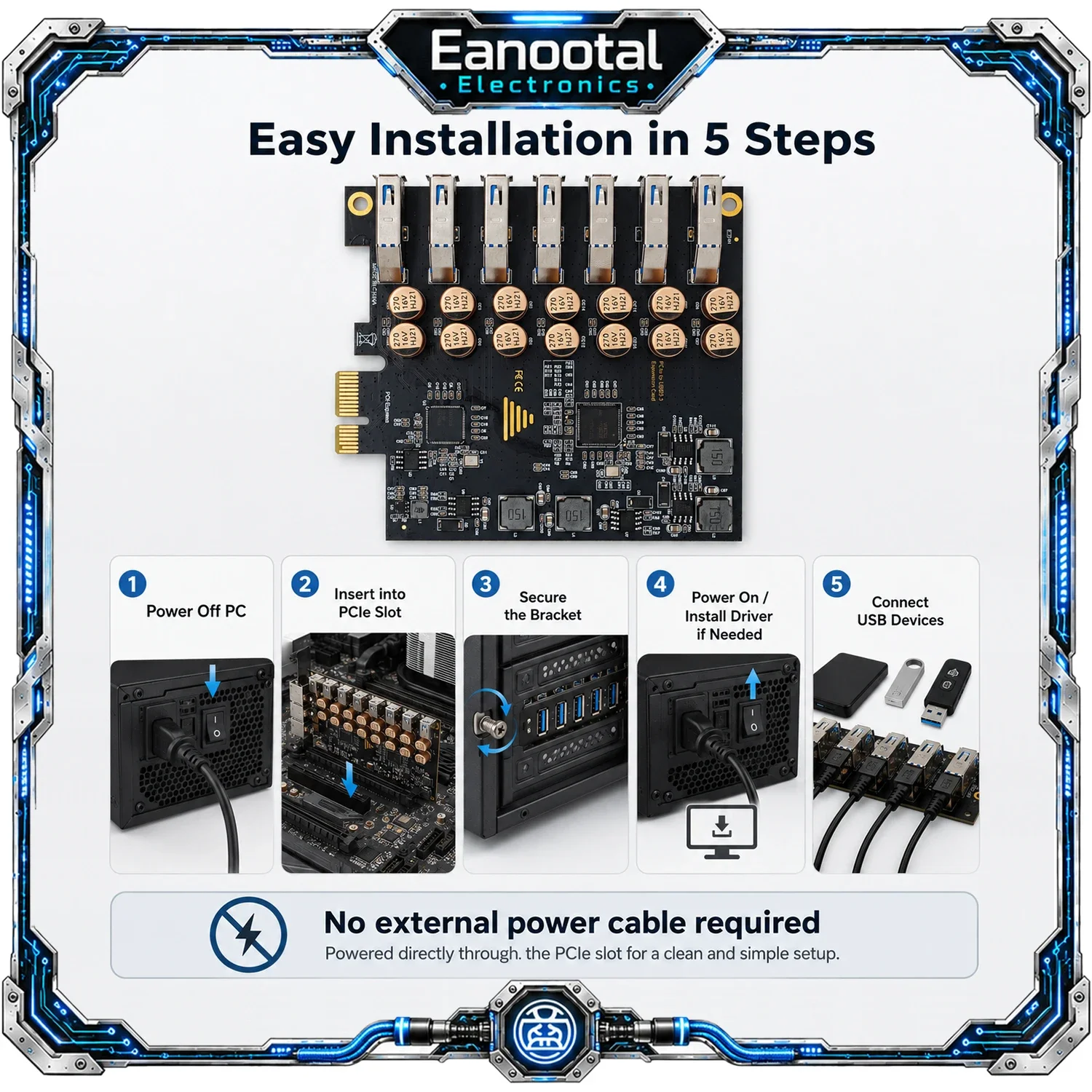
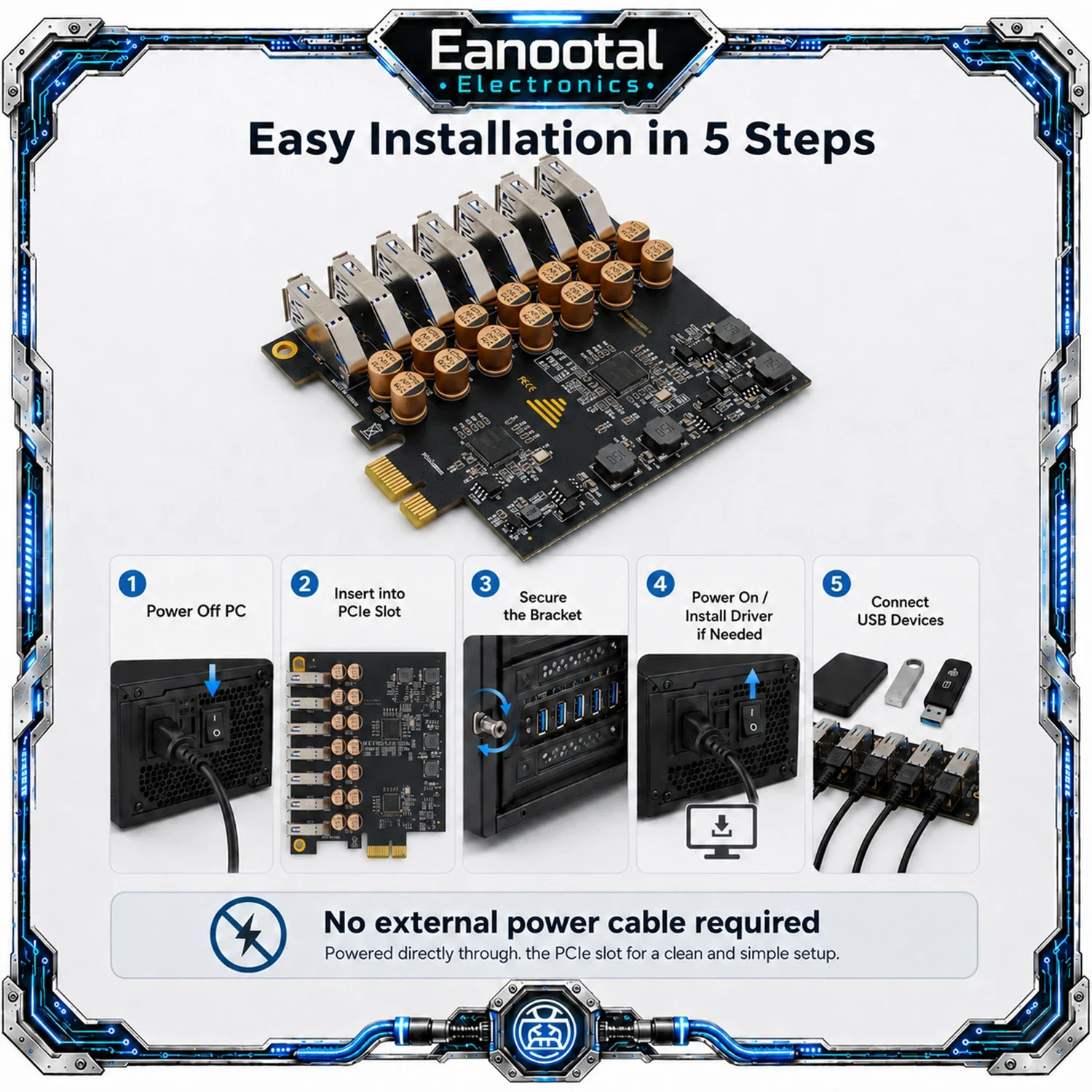
Turn off the desktop PC and disconnect the power cable.
Insert the card into an available PCIe x1, x4, x8, or x16 slot.
Secure the bracket with the case screw.
Turn on the computer.
Install a driver if required by your operating system.
Connect your USB devices and start using the additional USB ports.
Package Contents
1 × PCIe x1 to 7-Port USB Expansion Card
1 × 7-Port Metal Mounting Bracket
2 × Mounting Screws