✨HavenWick✨
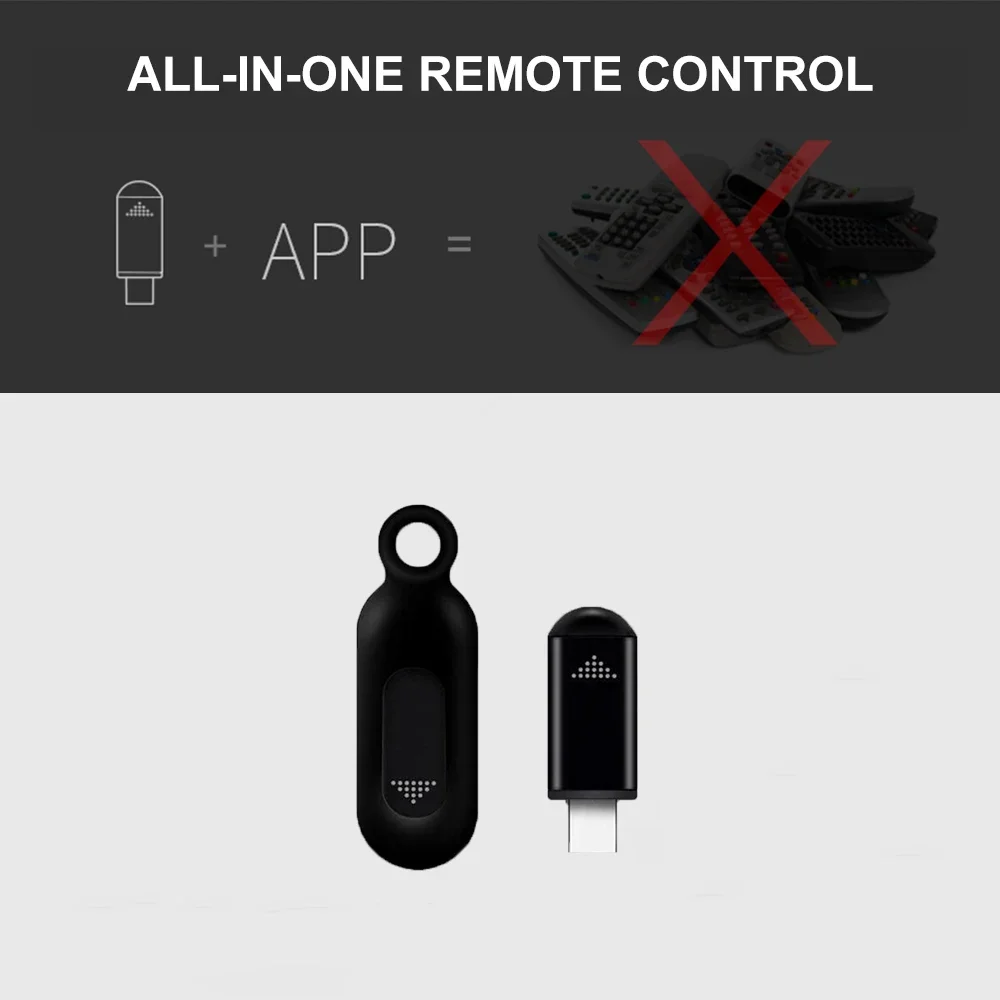
USB-C IR Blaster Universal Mobile Phone Infrared Remote Control Transmitter Adapter For TV Air Conditioner
USB-C IR Blaster Universal Mobile Phone Infrared Remote Control Transmitter Adapter For TV Air Conditioner
Couldn't load pickup availability
SPECIFICATIONS
Brand Name: HOMEFISH
Choice: yes
Frequency: 433 MHz
High-concerned chemical: None
Origin: Mainland China
Use: TV,Air Conditioner,Universal
Wireless Communication: IR
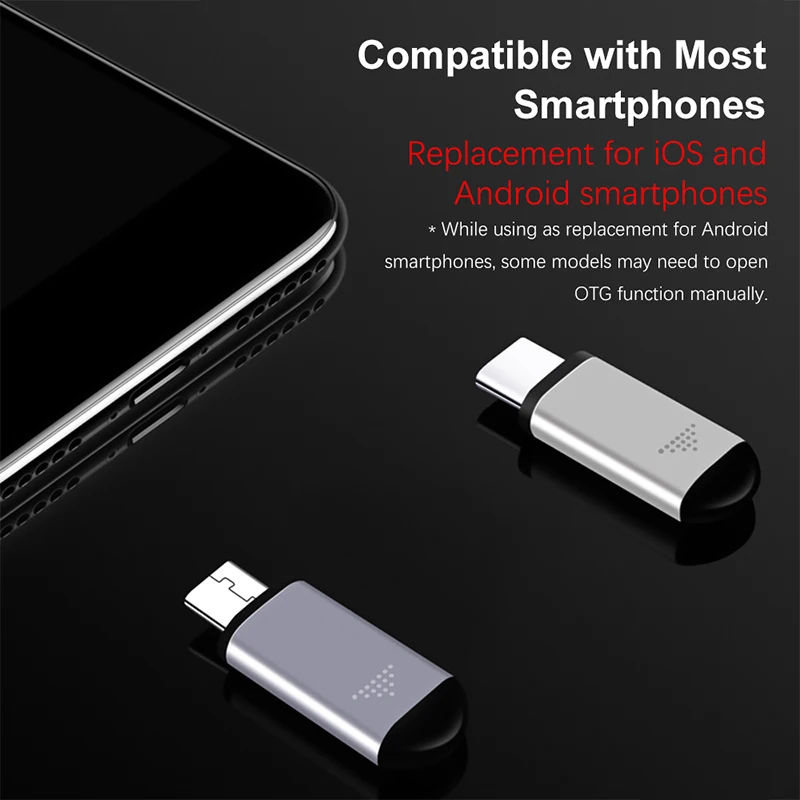
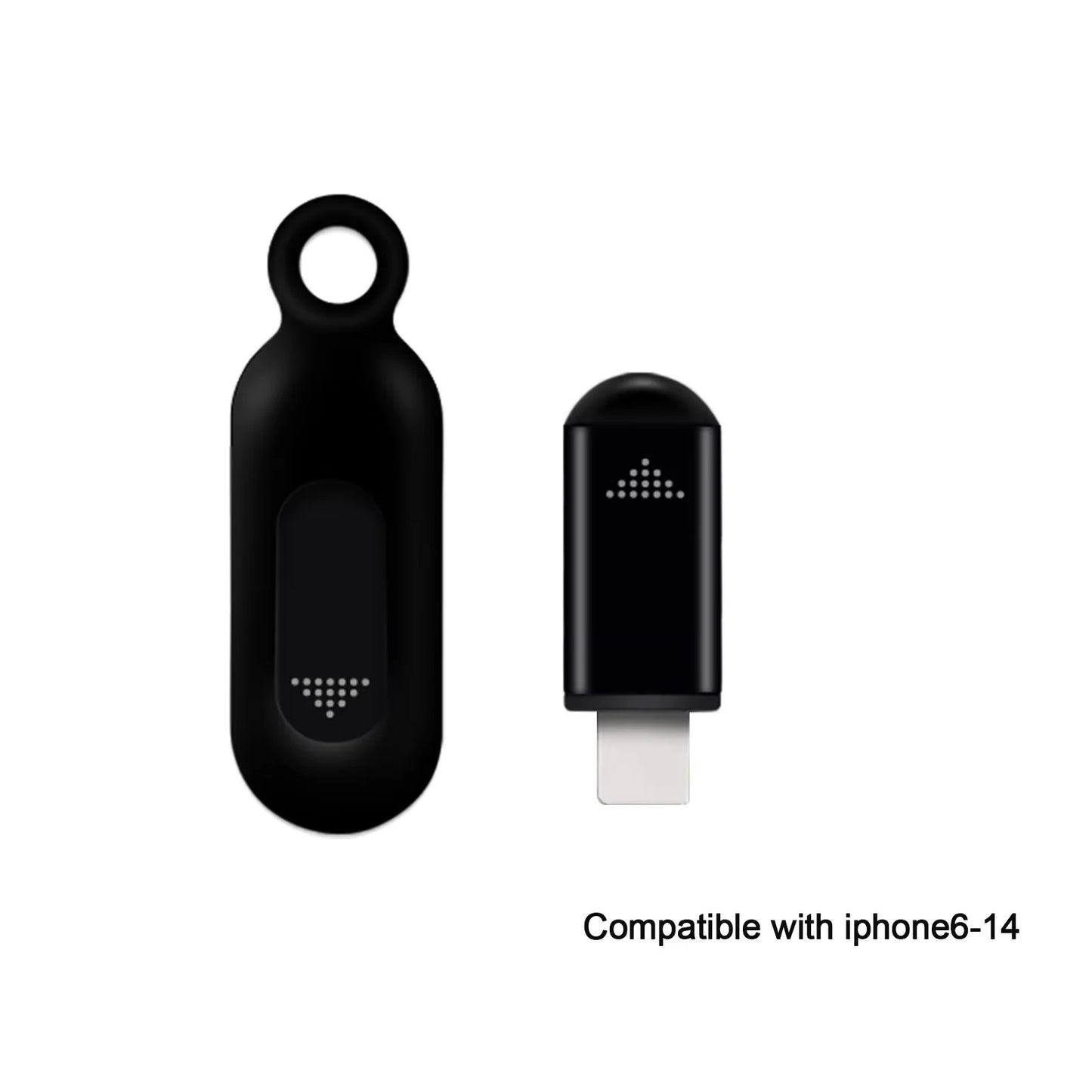
Applicable Phone Interface: Type-C, Lightning(The plug is not universally compatible; please select the correct version according to your phone system.)
Applicable Systems: iOS Apple, Android
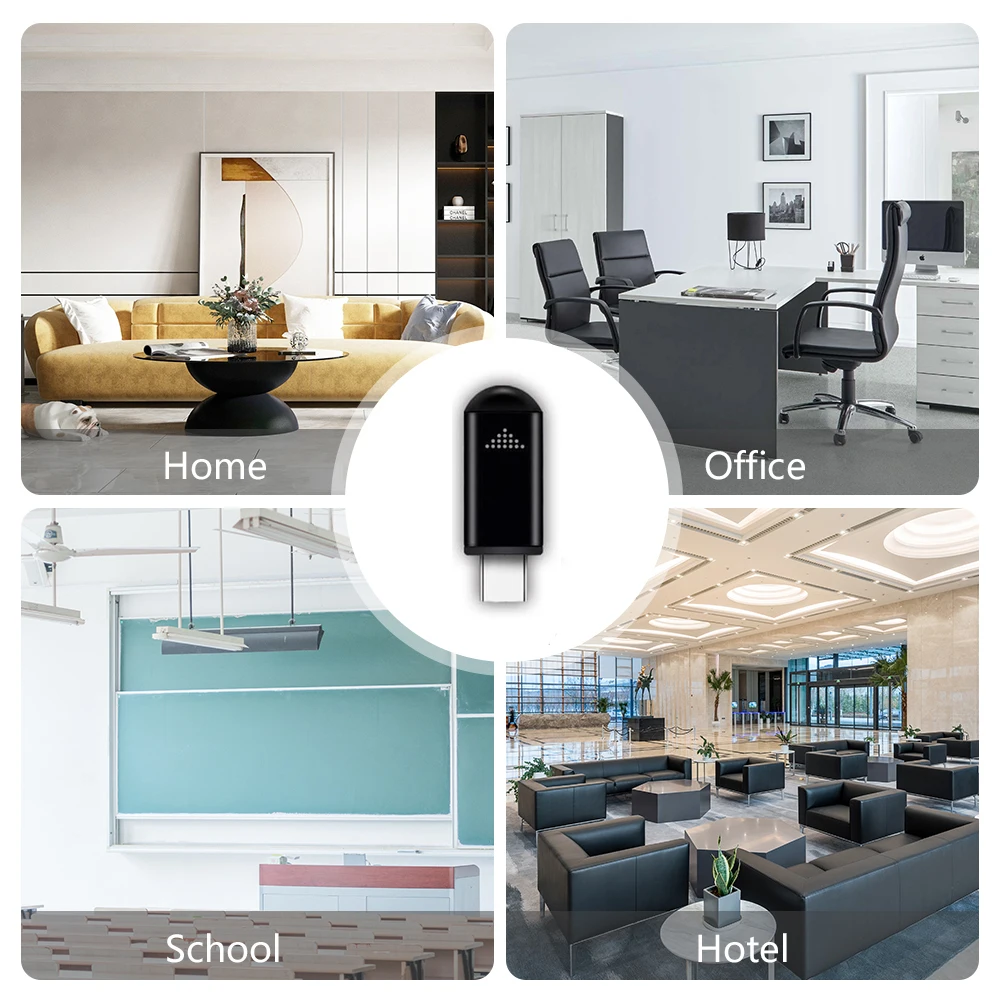
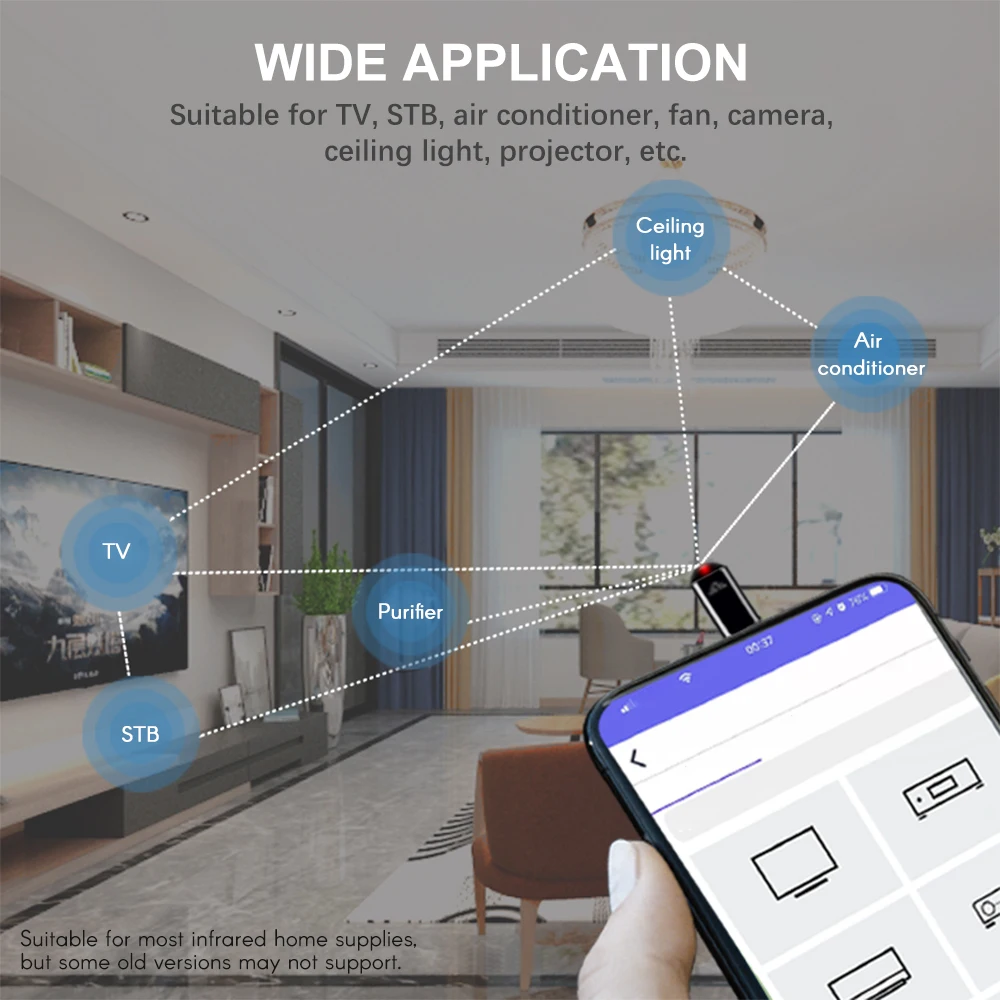
Applicable Devices: Air conditioner, TV, set-top box, camera and other infrared remote control electrical appliances
Infrared Wavelength: 940nm
Transmission Frequency: 38Khz, 56Khz
Weight & Dimensions:Single set (with packaging): Approximately 19gSize: 8.5×5.5×2.5cm
iOS Operation:Search and download Uni TV Remote from the App Store;Or search for ocrustar in the App Store to download the APP.
Android Operation:Search and download zaza remote on Google Play.
Note: APP names may vary in different regions. You can search for universal remote control apps; the one with the highest download volume is usually compatible.
FAQ
1.My iPhone recognizes the remote control after plugging in, but fails to adapt and the indicator light does not flash. How to fix it?Answer: Please turn off Mono Audio in your phone:Settings > General > Accessibility > Mono Audio.This function is designed for people with hearing impairment and will not affect normal call usage.
2.Android phones cannot recognize the remote control after insertion, or cannot work normally even if recognized. How to solve it?Answer:
3.For OPPO / vivo phones: Enable the OTG switch in Settings > Other Settings.
4.For other Android models with the same issue:Enter the remote control APP → My → Upper right corner Settings → Infrared Driver Settings → Device, then select USB mode.